Systems
How to build a web app: a step-by-step guide for business leaders
From defining the problem to launch and upkeep, the nine steps of building a web application, the choices that matter, and how to avoid the common traps.
In this article
A web app is software that runs in the browser and lets people do something: a customer portal, a booking system, an internal operations tool, a dashboard, a marketplace. Unlike a brochure website, it has users, data and logic, and it usually connects to other systems. Built well, it can take hours of manual work out of the week or open a new revenue stream. Built badly, it becomes an expensive thing nobody uses.
Why build a web app?
- Serve customers better: self-service portals, quotes, bookings and order tracking.
- Remove manual work: replacing spreadsheets and email chains with a shared tool.
- Connect systems: one interface over CRM, finance and operations data.
- Create a product: software you sell, or that makes your service hard to copy.
Before building, check whether an existing product or a low-code tool would do; see custom software or off-the-shelf and low-code myths.
How do you build a web app? Nine steps
1. Define the problem and the users
Write down who will use it, what they need to do, and what happens today without it. Measure the current cost: hours, errors, lost sales. This becomes the case for building and the measure of success.
2. Check the market and the alternatives
Look at competing products and how your users solve the problem now. Talk to five to ten real users. You will learn more from these conversations than from any feature list.
3. Plan the smallest useful version
List features, then cut to the minimum that solves the core problem for the core users: the minimum viable product. Everything else goes on a list for later, ordered by value.
4. Design the experience
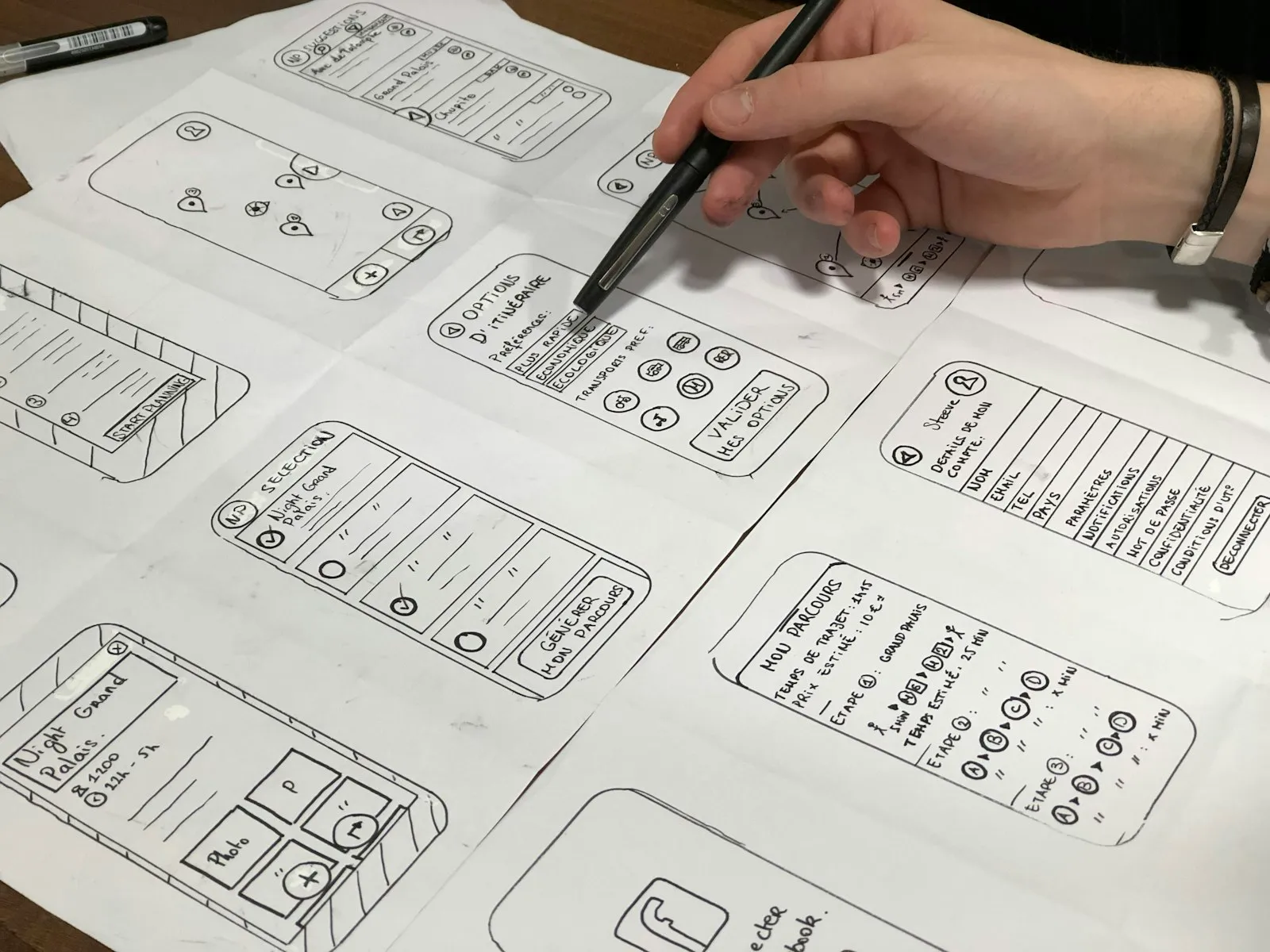
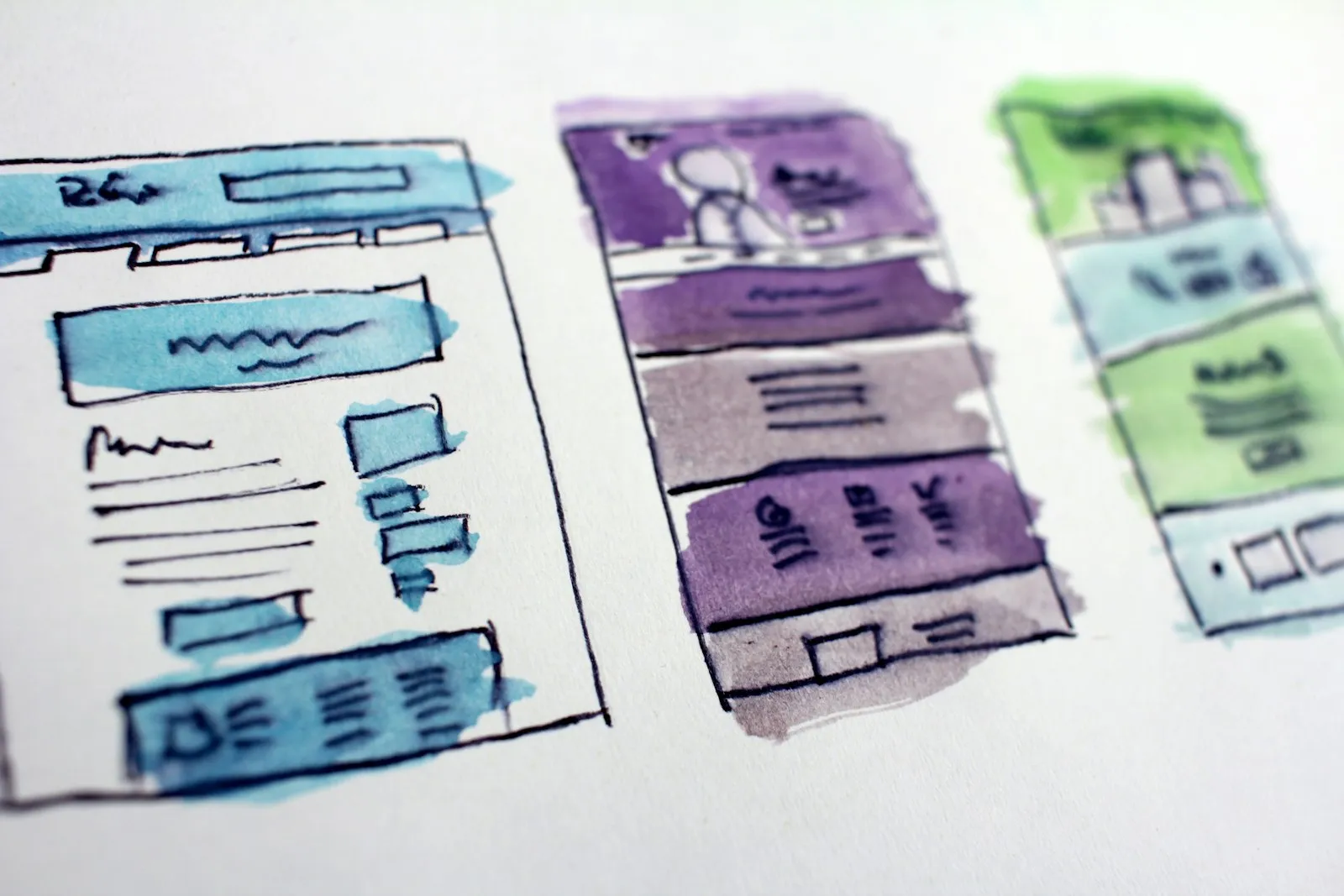
Sketch the main screens and journeys, then test clickable prototypes with users before writing code. Design for mobile screens and accessibility from the start; fixing them later costs more.
5. Choose the technology
Prefer mainstream, well-documented technology with a large developer community. Consider:
- Front end: a modern framework that your developers know well.
- Back end and database: a widely used language and a managed cloud database.
- Hosting: a managed cloud platform with automatic scaling, backups and security updates.
- Integrations: how it will connect to your CRM, finance or other systems.
6. Build in short cycles
Develop in one or two week cycles, showing working software at the end of each. Keep a business owner involved to answer questions and make decisions quickly; slow decisions are the most common cause of delay.
7. Test thoroughly
Automated tests for core logic, testing across browsers and devices, security testing, accessibility checks, and testing with real users before launch. Load-test if you expect high traffic.
8. Launch carefully
Start with a small group of users, monitor errors and usage closely, and fix issues before widening access. Have a rollback plan. Set up analytics to see how people actually use it.
9. Maintain and improve
Plan for ongoing security updates, monitoring, bug fixes and improvements based on feedback. Budget for maintenance every year. See reducing downtime with proactive monitoring.
What are the common traps?
- Building too much before anyone uses it.
- No business owner with time and authority to make decisions.
- Unusual technology that only one developer understands.
- Integrations left until the end, when they turn out to be the hardest part.
- Security added later rather than designed in.
- No plan or budget for maintenance.
Web app, progressive web app or native mobile app?
A web app works on any device through the browser. A progressive web app can be installed and work offline. A native app is built for iOS or Android and gets full access to device features. See PWA or native app and the business case for a mobile app.
Where to start
Before writing code, map the process and check whether connecting what you already own solves it. Our Systems & Integrations work does that, and builds custom tools where they earn their place. Tell us where you’re stuck.
Questions
What is the difference between a website and a web app?
A website mainly presents information. A web app lets users do things, such as log in, enter data, book, buy, collaborate or see personalised dashboards, and usually connects to databases and other systems.
How long does it take to build a web app?
A focused first version usually takes two to four months, depending on complexity, integrations and how quickly decisions are made. Larger applications are delivered in stages.
Which technology should we use for a web app?
A mainstream, well-supported stack that your team or partner knows well, such as a modern JavaScript framework with a widely used back-end and a managed cloud database. Popularity matters because it makes hiring and maintenance easier.