AIguide
Building a company knowledge base with RAG: a practical guide
How retrieval-augmented generation lets AI answer from your own documents, what each stage involves, where projects go wrong, and where to start.
In this article
An AI model knows a great deal about the world up to the date it was trained. It knows nothing about your company: your products, your policies, last quarter’s account notes or the way your team does things. Ask it about any of those and it does one of two things. It gives a confident, generic answer, or it makes one up.
That second behaviour has a name, hallucination, and a common remedy: retrieval-augmented generation, usually shortened to RAG. This guide explains what it is, how the pieces fit, where projects go wrong and how to start without a data science team.
What RAG does
A RAG system connects an AI model to your own documents at the moment it answers. Instead of relying on memory, the model first looks up the most relevant material from your knowledge base and then writes its answer from what it found.
Think of a clever new colleague who has read most of the public internet but never seen an internal document. RAG hands that colleague a searchable library of your documents and says: check these first.
When a question comes in, three things happen:
- The system turns the question into a numerical form that captures its meaning and searches your documents for the passages that match best.
- It passes the best matches to the model, along with the question.
- The model writes an answer based on those passages, and can point to the source it used.
The result is an assistant that can answer questions about your business, show where the answer came from and stay current as documents change.
RAG or fine-tuning
Both make a model more useful for a specific domain, but they solve different problems.
Fine-tuning retrains a model on your data so that knowledge is built into it. It is slow and costly, and the model goes out of date as soon as your information changes.
RAG keeps knowledge outside the model. Add a document to the library and it is available at the next question, with no retraining.
A simple rule: fine-tuning changes how a model behaves, RAG changes what it knows. For policies, product information, customer records and anything that changes over time, start with RAG. Fine-tuning is something you add later, if at all.
Four stages of a RAG system
1. Gather: decide what your AI should know
The quality of the answers is set by the quality of the material. Start with the documents that answer the questions people actually ask:
- policies and procedures: HR handbooks, compliance guides, standard operating procedures
- product documentation: specifications, FAQs, price lists, release notes
- customer-facing material: support tickets, case studies, onboarding guides
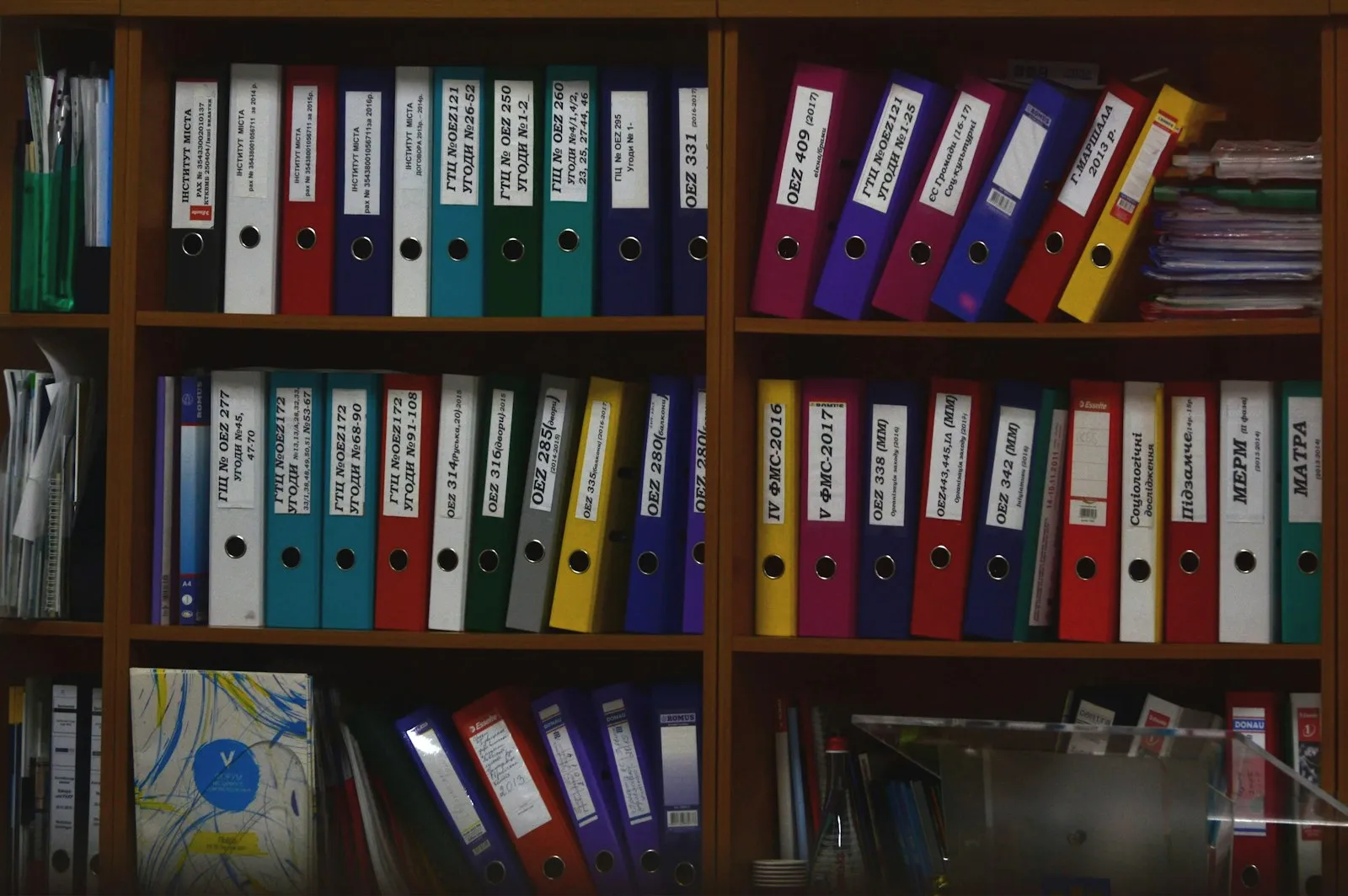
Resist the urge to load everything. A carefully chosen set of a few hundred good documents tends to outperform a sprawling pile of poorly kept ones.
RAG doesn’t fix bad data. It spreads it. If old versions sit beside current ones, files are duplicated, or two documents disagree, the system will give confident answers that are wrong. Every document needs an owner who keeps it current and removes it when it’s out of date.
Most common formats can be used: PDFs, Word and PowerPoint files, web pages, spreadsheets and records from databases. The limiting factor is rarely the format. It is whether the content is clean, current and clearly owned.
2. Prepare: split and index the content
The system can’t search a 200-page handbook as one block, so it splits each document into smaller passages, often called chunks. Chunks that are too small lose their context. Chunks that are too large blur the match. Splitting by meaning, such as at headings and sections, generally works better than cutting every fixed number of words.
Each chunk is also labelled with details such as its source, date and topic, so the system can prefer a recent policy over an old one, or search only within one team’s documents. Finally, each chunk is converted into a numerical form that captures its meaning, which is what lets the system find passages about the same idea even when different words are used.
3. Store: set up searchable storage
The converted chunks live in a database built for this kind of search. Options range from managed services that need no infrastructure to open-source tools you host yourself, which suit companies with strict data requirements. The choice depends on volume, budget and where your data may be stored.
One setting is worth special attention: combining meaning-based search with ordinary keyword search. Meaning-based search finds related ideas but can miss an exact product code or clause number. Keyword search finds exact terms but misses related ideas. Using both gives noticeably better results for most business content.
4. Answer: retrieve, rank and respond
When a question arrives, the system retrieves the best-matching chunks and often re-ranks them with a second model that judges relevance more carefully. The top passages go to the language model, which writes a reply. A well-built system shows the source of each answer, which matters in legal, financial and healthcare settings where people must be able to check.
Newer designs let the system decide how much looking up a question needs, searching several times and reasoning between searches before it replies. That is often called agentic RAG. It builds on the same foundations, so starting with a standard setup and adding that later is a sensible order.
Where RAG pays off first
- Internal knowledge assistant. Staff spend a surprising share of the week looking for information that already exists. An assistant connected to policies, procedures and project notes cuts that to seconds and shortens onboarding.
- Customer support. Answers drawn from the latest manuals, ticket histories and troubleshooting guides are consistent, whoever or whatever handles the request.
- Compliance and legal search. Finding the right clause across thousands of pages, with the source cited, reduces risk and review time.
- Sales enablement. The best answers from your best people, available to everyone from proposal libraries, CRM notes and product details.
- Reporting. Plain-language questions put to documents and structured data, with the source shown.
Pick one of these, measure the time it takes today and compare after a month.
Mistakes that sink RAG projects
Skipping data governance. The most common cause of failure. Loading outdated, duplicated or conflicting files and then wondering why answers are inconsistent. Curate first, assign owners and set a review schedule.
Judging only the final answer. Two things can go wrong separately: the system may retrieve the wrong passages, or retrieve the right ones and write a poor answer. Measure both. Retrieval quality asks whether the right passages came back. Answer quality asks whether the reply is accurate and based on them.
Ignoring labels and chunk size. Without source and date labels, the system can’t tell a current policy from an obsolete one.
Building without monitoring. Quality drifts as the library grows and changes. Test with a fixed set of real questions every month, and track how long replies take and which questions fail.
Starting without a data science team
You can begin with tools that already include document search: office suites, knowledge-base products and enterprise chat tools that let you point an assistant at a shared folder. Their drawback is less control over how documents are split, indexed and ranked, which matters more as the use case becomes more demanding.
A sensible path:
- Choose one use case with a clear measure.
- Prepare a small, well-kept set of documents with named owners.
- Run it on a managed tool and collect real questions from the people who will use it.
- Measure answer accuracy and time saved against today.
- Move to a custom build only when volume, accuracy or data-location needs outgrow the managed tool.
If you want a hand with any of this, from selecting the documents to measuring the results, it is part of our AI implementation and automation work, and our business intelligence and analytics work covers the data side. You can also start with the AI Readiness Index to see where your data stands, or talk to us about a specific use case.
Questions
What is RAG in simple terms?
Retrieval-augmented generation. When someone asks a question, the system first searches your documents for the most relevant passages, then gives them to the AI model so the answer is based on them. It reduces made-up answers and keeps replies current without retraining the model.
How is it different from uploading files to a chat tool?
Uploading a file is a one-off version of the same idea. A proper setup stores your documents permanently, handles thousands of them, filters by date and source, connects to your other software and works for many users at once.
Should we use RAG or fine-tuning?
Use RAG when the model needs to know different things, such as your policies, products or recent data. Consider fine-tuning only when you need it to behave differently, for example a specific writing style or output format. Most companies start with RAG.
Do we need developers?
Not to start. Several office and knowledge-management tools include document search with AI. A custom build becomes worthwhile when you need tighter control over accuracy, data location or integration with your own systems.
How long does it take?
A simple prototype on a small set of documents can run in a day. A dependable production system usually takes a few weeks, and most of that time goes on preparing and organising the documents, not on the technology.